Choosing the right distance between your sofa and OLED television is crucial for enjoying the full potential of your display, whether you are immersed in the latest blockbuster or battling opponents in a fast-paced gaming session. The relationship between screen size, resolution, and seating position directly influences your viewing experience, affecting everything from picture quality to comfort. With OLED technology offering stunning contrast and vibrant colours, understanding how to position your furniture can transform your living room into a premium home cinema setup. This guide explores the optimal distances for 50-inch, 60-inch, and 75-inch 4K screens, while also considering the unique demands of gaming versus regular viewing.
Understanding optimal viewing distances for different oled tv sizes
When setting up your entertainment space, the diagonal measurement of your television serves as the foundation for determining the ideal viewing distance. This measurement, expressed in inches, represents the span from one corner of the screen to the opposite corner, and it plays a pivotal role in calculating how far back your seating should be placed. For 4K UHD displays, which have become the standard in modern consumer electronics, the increased resolution allows viewers to sit closer to the screen without noticing individual pixels, enhancing the immersive quality of the experience.
The science behind viewing distance: diagonal measurements and resolution impact
The science of viewing distance is rooted in the concept of angular resolution, which refers to the angle at which the screen occupies your field of vision. A larger screen or closer seating position increases this angle, making the image more immersive. However, sitting too close can cause discomfort or fatigue, while sitting too far diminishes the impact of high-resolution content. OLED technology, with its pixel-level illumination and exceptional contrast, benefits from a closer viewing distance compared to older display technologies, as the rich detail and deep blacks are best appreciated when the screen fills a significant portion of your visual field.
For 4K UHD resolution, the recommended viewing distance is typically calculated as 1.5 times the diagonal measurement of the screen. This guideline ensures that you can appreciate the sharpness and clarity of the image without straining your eyes. However, personal preference and the specific content being viewed can influence this calculation, with some viewers opting for a more cinematic experience by sitting slightly closer.
Recommended Distances for 50-Inch, 60-Inch, and 75-Inch 4K UHD Displays
For a 50-inch OLED television, the ideal viewing distance ranges from approximately 1.9 to 2.5 metres, or 190 to 250 centimetres. This range allows you to enjoy the full detail of 4K content while maintaining a comfortable viewing angle. Brands such as Samsung, LG, TCL, and Hisense offer excellent options in this size category, catering to a variety of budgets and preferences. If you are working within a budget, models like the TCL QM6K provide a balance of quality and affordability, making them a popular choice for those setting up a home cinema on a smaller scale.
When considering a 60-inch screen, the recommended distance extends to between 2.3 and 3 metres, or 230 to 300 centimetres. This size is increasingly popular for living rooms of moderate dimensions, offering a substantial upgrade in screen real estate without overwhelming the space. OLED displays in this range, such as the LG C5 OLED or Samsung S90F OLED, deliver exceptional picture quality, with deep blacks and vibrant colours that enhance both films and gaming sessions. These models are also compatible with gaming consoles like the PS5, ensuring smooth performance and low input lag for an optimal gaming experience.
For those seeking a truly immersive experience, a 75-inch OLED television demands a viewing distance of approximately 2.9 to 3.8 metres, or 290 to 380 centimetres. This size is ideal for larger living spaces or dedicated home cinema rooms, where the expansive screen can be fully appreciated. Premium displays such as the Samsung S95F OLED or LG G6 OLED are designed to maximise the impact of 4K content, with advanced features like high refresh rates and HDR support. When setting up a 75-inch screen, it is essential to ensure that your sofa is positioned at the appropriate distance to avoid discomfort and to fully utilise the capabilities of the display technology.
Gaming vs regular viewing: why distance requirements differ
While the guidelines for viewing distance are generally consistent across different types of content, gaming introduces unique considerations that can affect the optimal seating position. The interactive nature of gaming, combined with the fast-paced action and detailed on-screen elements, often benefits from a closer viewing distance compared to passive film watching. Understanding these differences is key to creating a versatile entertainment setup that caters to both activities.
How gaming demands affect optimal seating position and viewing angles
Gaming on a large OLED television requires a level of visual engagement that differs from traditional viewing. Players need to track fast-moving objects, read small text, and respond to on-screen prompts with precision, all of which are enhanced by sitting closer to the display. For competitive gaming or titles that demand quick reflexes, reducing the viewing distance by 10 to 20 per cent can improve reaction times and overall performance. This adjustment allows the screen to fill a larger portion of your peripheral vision, creating a more immersive and responsive experience.
The viewing angle is another critical factor for gaming. OLED technology offers excellent off-axis performance, meaning the picture quality remains consistent even when viewed from an angle. However, for gaming, sitting directly in front of the screen ensures that you can see all on-screen details clearly, particularly in fast-paced action sequences. Models like the Samsung S90H OLED and LG B5 OLED are designed with gamers in mind, featuring low input lag and high refresh rates that complement a closer seating arrangement.
Adjusting your furniture placement for immersive gaming sessions versus film watching
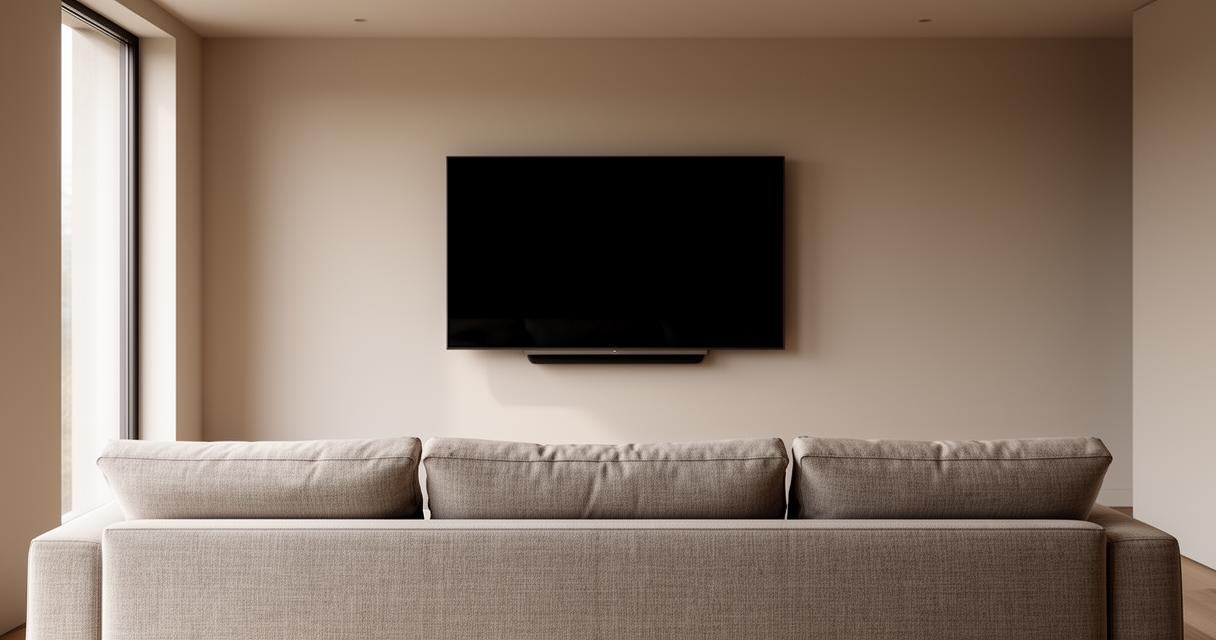
To accommodate both gaming and regular viewing, consider the flexibility of your furniture placement. For gaming sessions, you might prefer to position your sofa or gaming chair closer to the screen, within the lower end of the recommended distance range. This setup enhances the sense of immersion and allows you to fully appreciate the capabilities of your OLED display. For film watching, however, you may want to shift your seating further back to achieve a more cinematic perspective, where the screen fills your field of vision without dominating it.
If your living space allows, creating a modular setup with movable seating can provide the best of both worlds. Alternatively, investing in a smart TV with multiple picture modes tailored to different content types can help you optimise the viewing experience without physically rearranging your furniture. Brands like Samsung and LG offer advanced picture settings that adjust brightness, contrast, and colour based on the type of content being displayed, ensuring that both gaming and film watching are equally enjoyable.
Creating the Perfect Home Cinema Setup with Proper Offset and Positioning
Achieving the ideal home cinema setup involves more than just calculating the distance between your sofa and television. Factors such as screen height, room lighting, and the overall layout of your space all contribute to the quality of your viewing experience. By paying attention to these details, you can create a setup that rivals the comfort and immersion of a professional cinema.
Calculating the Ideal Distance in Centimetres and Metres for Your Living Space
When planning your home cinema, it is helpful to think in both centimetres and metres to ensure precision. For example, a 50-inch OLED TV with a recommended distance of 1.9 to 2.5 metres translates to 190 to 250 centimetres, which can guide you in measuring and arranging your furniture. Using a tape measure to mark these distances on the floor can help you visualise the optimal placement before committing to a final layout. This approach is particularly useful when dealing with irregularly shaped rooms or spaces with architectural features that may limit furniture placement.
In addition to horizontal distance, consider the vertical offset of your television. The centre of the screen should ideally be at eye level when you are seated, which typically means mounting the TV at a height of approximately 100 to 120 centimetres from the floor, depending on the height of your sofa. This positioning reduces neck strain and ensures that you can enjoy the full picture quality without discomfort. Tested products from brands like TCL, Hisense, and Samsung often come with adjustable stands or wall-mount compatibility, providing flexibility in achieving the perfect height.
Maximising picture quality and viewing experience through strategic sofa placement
Strategic sofa placement is essential for maximising the capabilities of your OLED television. In a bright room, for instance, positioning your seating to minimise glare from windows can significantly enhance the viewing experience. OLED displays, while offering superior contrast, can be affected by ambient light, so consider using blackout curtains or blinds to control the lighting conditions. Models such as the TCL QM8K and Samsung Q7F are designed to perform well in bright environments, making them suitable for spaces where natural light is abundant.
For those with larger budgets, investing in premium displays like the Samsung S95H OLED or LG G5 OLED can elevate your home cinema to new heights. These models offer advanced features such as Dolby Vision, HDR10+, and high refresh rates, all of which contribute to a more dynamic and engaging viewing experience. When paired with optimal furniture placement and careful attention to distance and offset, these televisions deliver picture quality that rivals professional cinema setups.
Finally, consider the role of additional equipment in your setup. A soundbar or surround sound system can complement your OLED display, creating a fully immersive entertainment environment. Ensuring that your seating is positioned to take advantage of both visual and auditory elements will enhance your overall enjoyment, whether you are watching the latest blockbuster or playing the newest games on your PS5-compatible television. With 532 TVs having been bought and tested by experts, and a wealth of product reviews and recommendations available, you can make informed decisions that suit your specific needs and preferences, supported by a membership or affiliate programmes that offer guidance and value.